Crush is a powerful AI coding agent for the terminal (CLI + TUI). It supports multiple models to handle code generation, debugging, file operations, and more — all inside your command line.
Crush is supercharged with the GLM Coding Plan , making your terminal workflow smarter and more efficient.
For users who have used the service before 2025-12-22:
Step 1: Installing Crush Select the appropriate installation method based on your system:
Step 2: Configuring the GLM Model 1. Obtain Your Z.AI API Key Visit Z.AI to get your API Key .
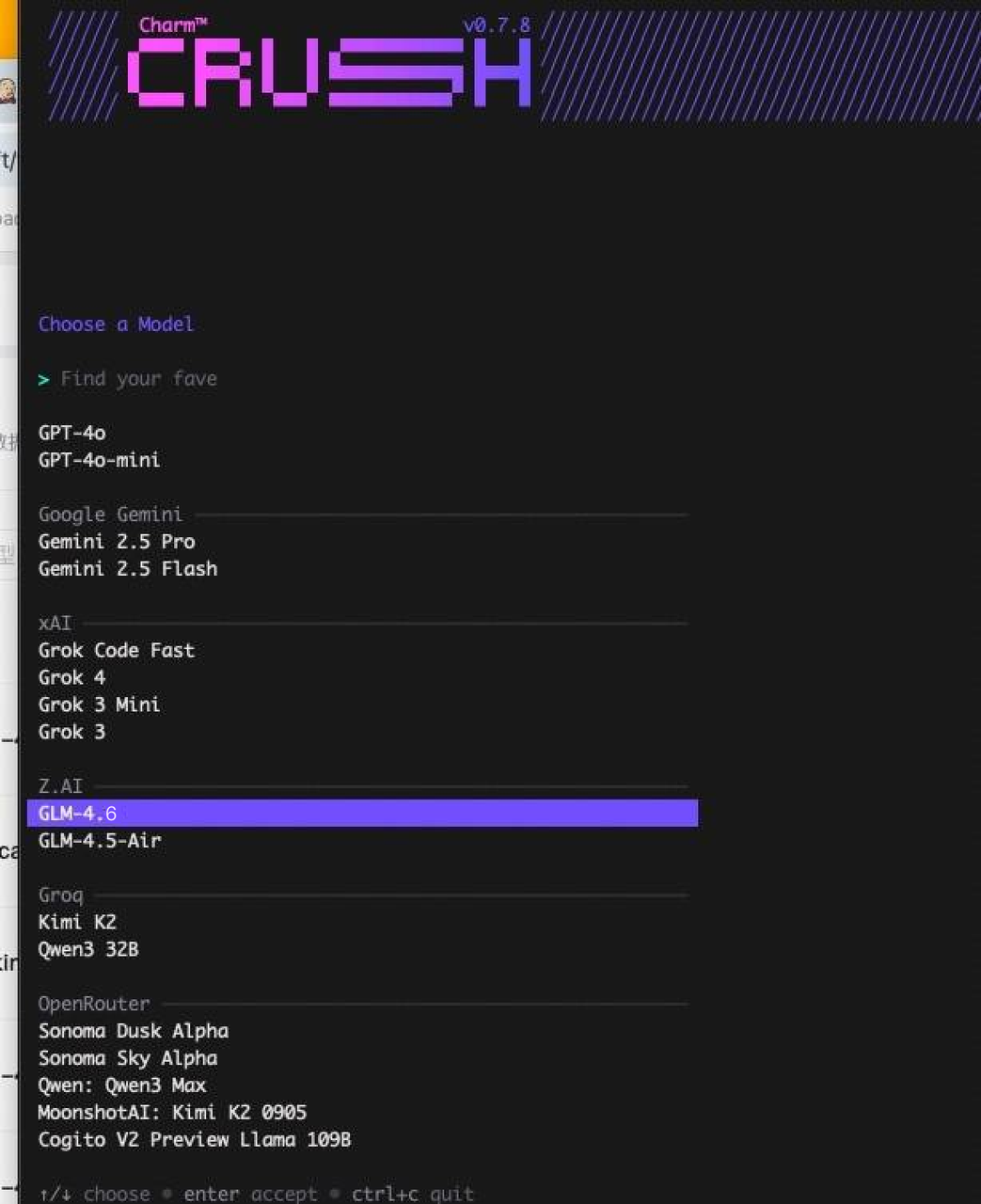
2. Launch Crush and Select Model Run the crush command to start the application:
In the model selection interface, choose one of the following models:
glm-4.7 : Highest performance, strong coding version
glm-4.7 : Standard version, suitable for complex tasks
glm-4.5-air : Lightweight version, faster response
3. Enter your Z.AI API key Enter the API Key obtained from Z.AI at the prompt.
Step 3: Modify Crush Configuration 1. Locate the Configuration File Depending on your OS, the configuration file can be found at:
2. Switch to the GLM Coding Plan Endpoint Open the crush.json file and configure it as follows, making sure to replace with your API KEY:
Step 4: Complete Configuration and Pick model Press ctrl+p, choose “Switch Model”
After configuration, you can now:
Generate and optimize code using GLM-4.7
Conduct technical Q&A and debugging
Execute complex programming tasks
Experience the powerful capabilities of Z.AI
Step 5: Vision Search Reader MCP Refer to the Vision MCP Server , Search MCP Server and Web Reader MCP Server documentation; once configured, you can use them in Crush.