Claude Code is an intelligent coding tool that can run in the terminal, and it can also be used by installing plugins in IDEs such as VS Code and JetBrains.
Step 2: Install and Use the IDE Plugin
The Claude Code VS Code plugin supports VS Code and VS Code-based IDEs (such as Cursor and Trae).
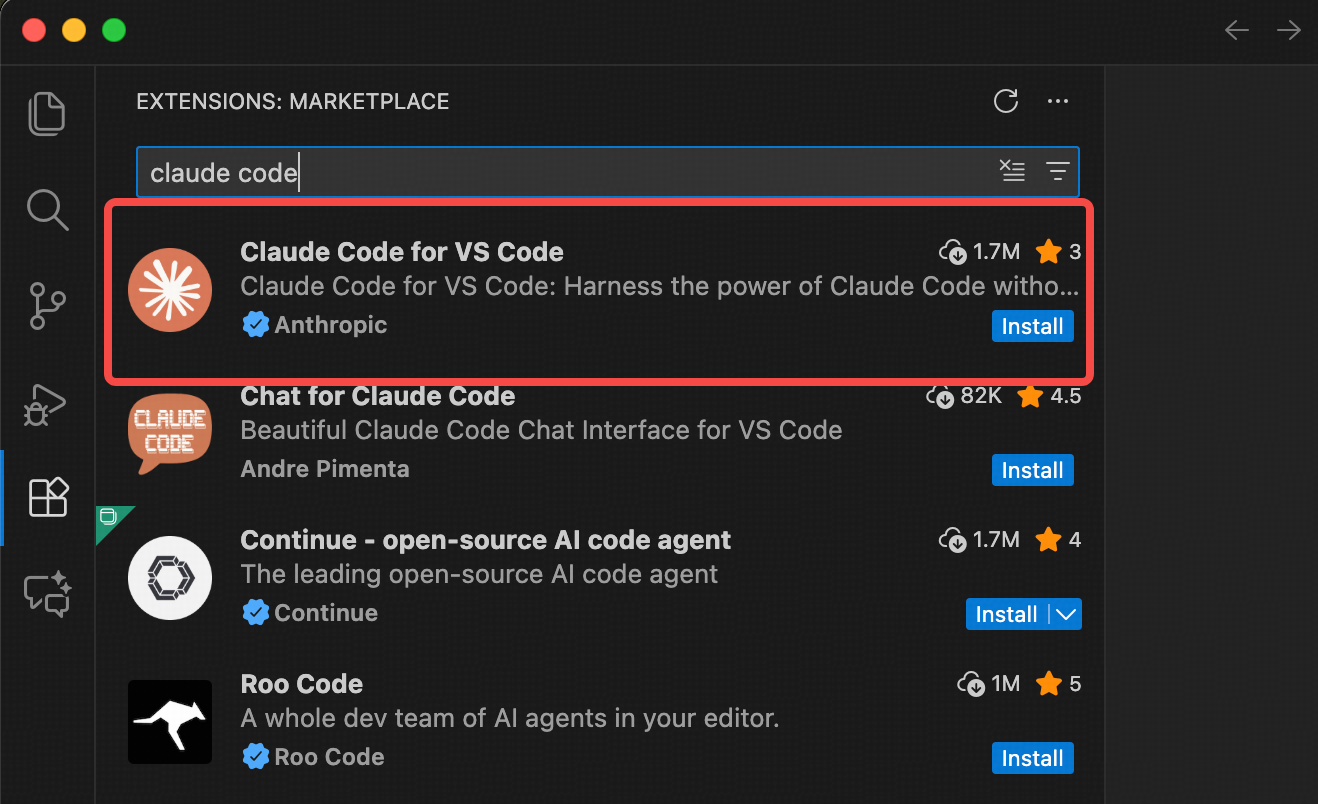 After installation, click the Claude Code icon at the top right as shown below to open the Claude Code panel. Wait a few seconds for initialization, then start using it.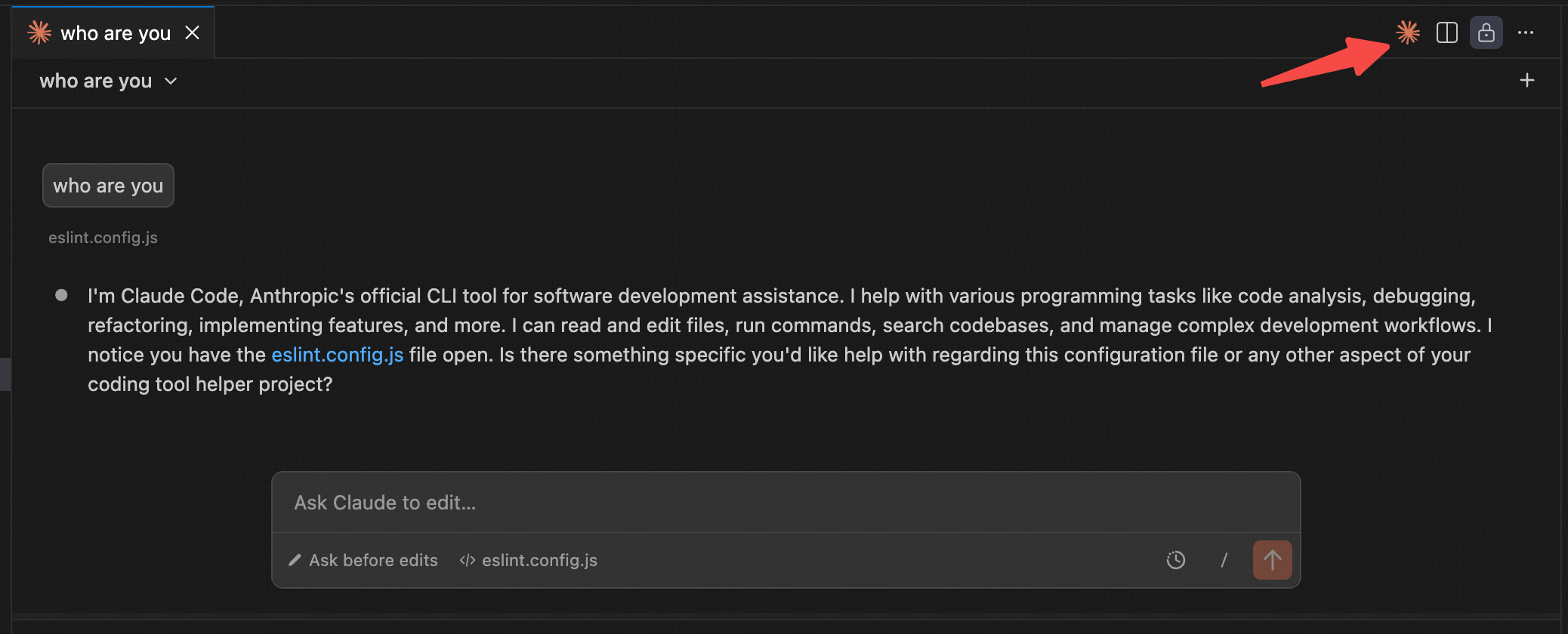
The Claude Code JetBrains plugin supports JetBrains IDEs such as IntelliJ IDEA, PyCharm, and WebStorm.
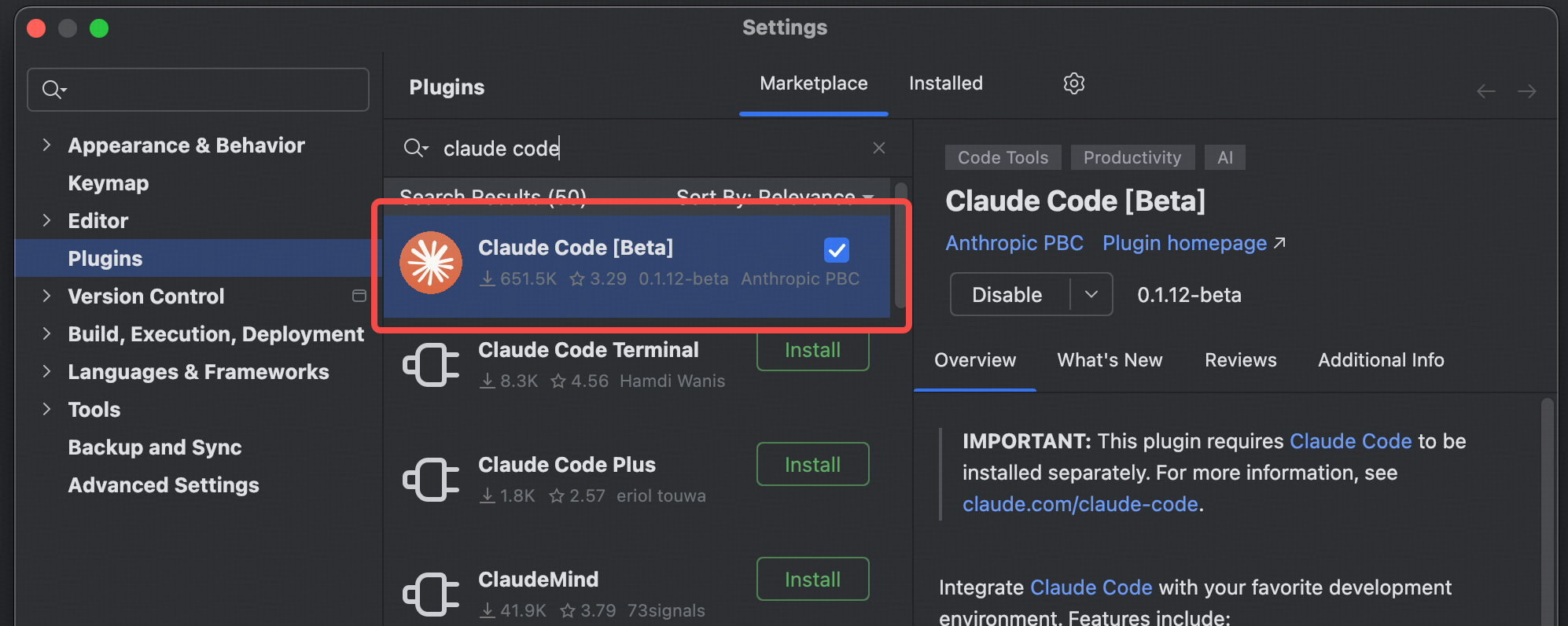 After installation, restart the IDE to use Claude Code features.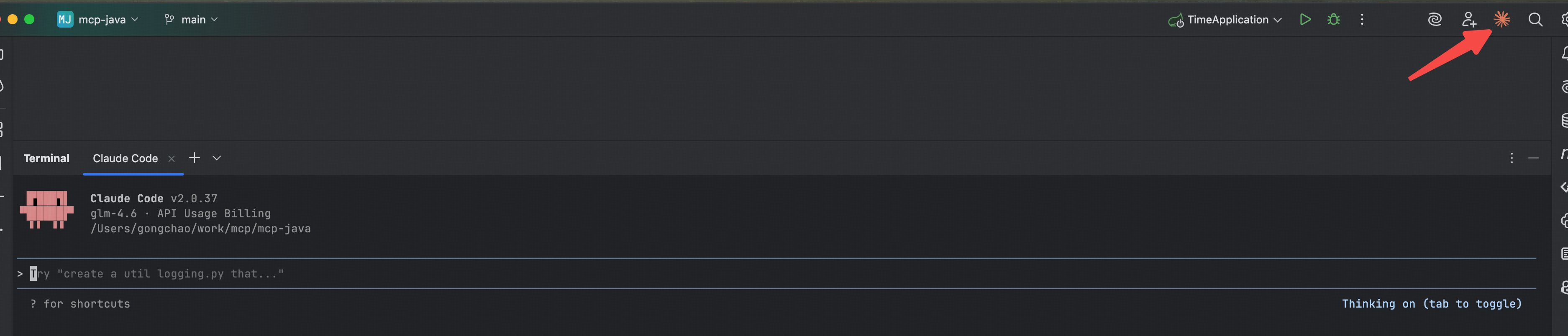
All set! You can now use Claude Code in your IDE for development.

