

Step 1: Installing Forge Code
Refer to the Forge Code official documentation and run the following command in your terminal:Step 2: Initialization and Verification
1. Navigate to Your Project Directory
2. Launch Forge
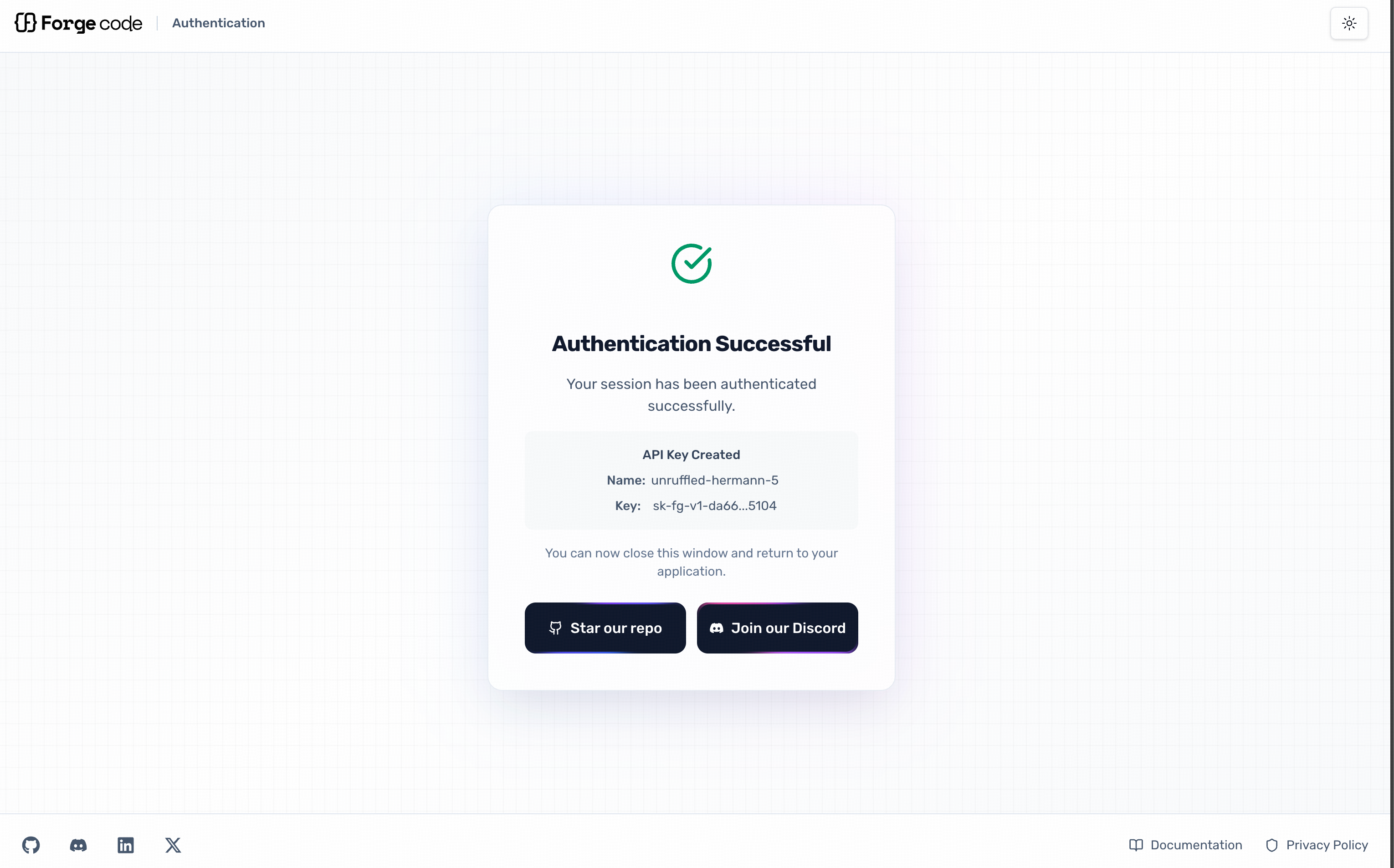
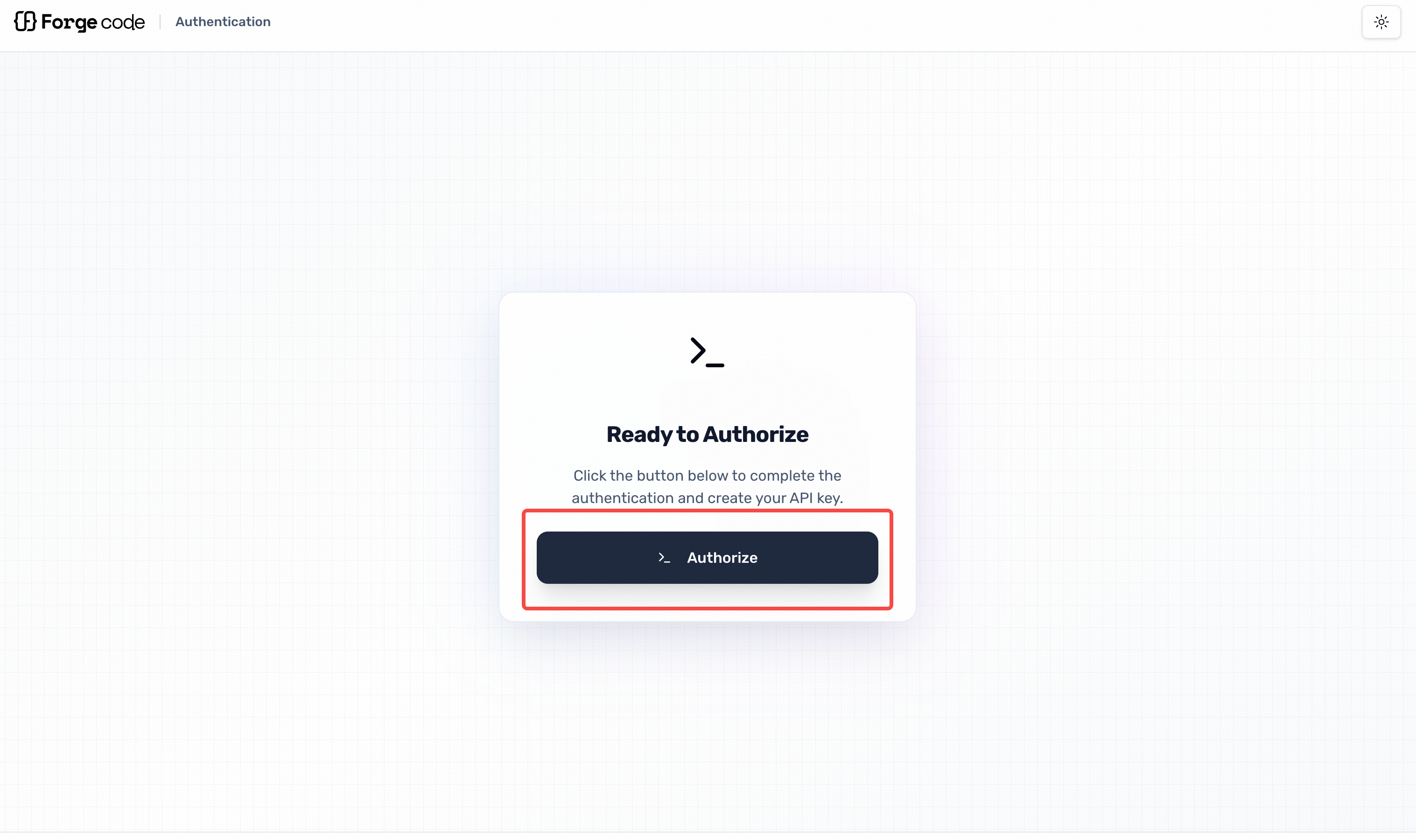 Exit after successful authentication:
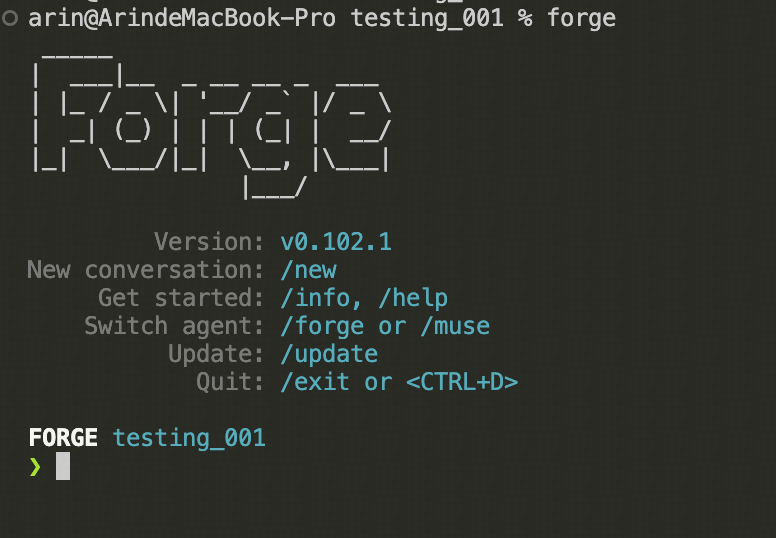
 Return to your repository and launch successfully:
Step 3: Configuring the API
1. Create an Environment Configuration File
Create a.env file in your project root directory and configure the API details:
2. Select a Model
Once the API is configured, Forge will automatically detect it. In the Forge chat, enter/model to open the model selection interface:
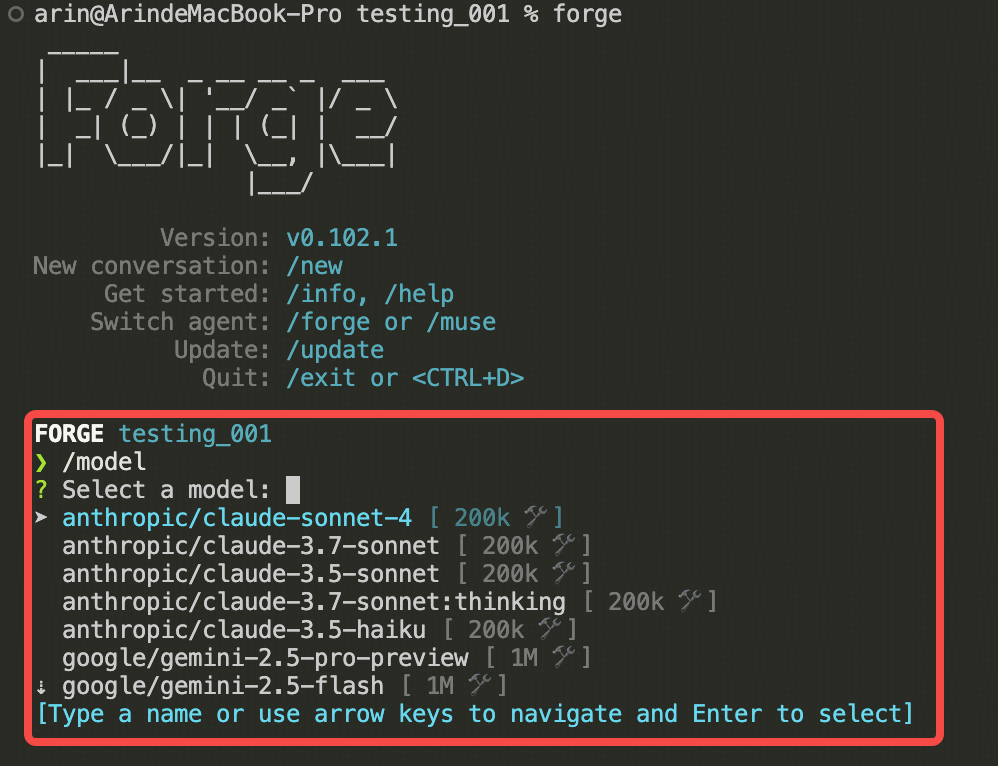 Select your desired model to begin making calls.
Step 4: Getting Started
Enter your requirements in the input box to leverage the model for:- Code generation and optimization
- Project architecture design
- Code review and refactoring
- Issue diagnosis and resolution
- Documentation writing